Update 006
Redline menus and a clearer map.
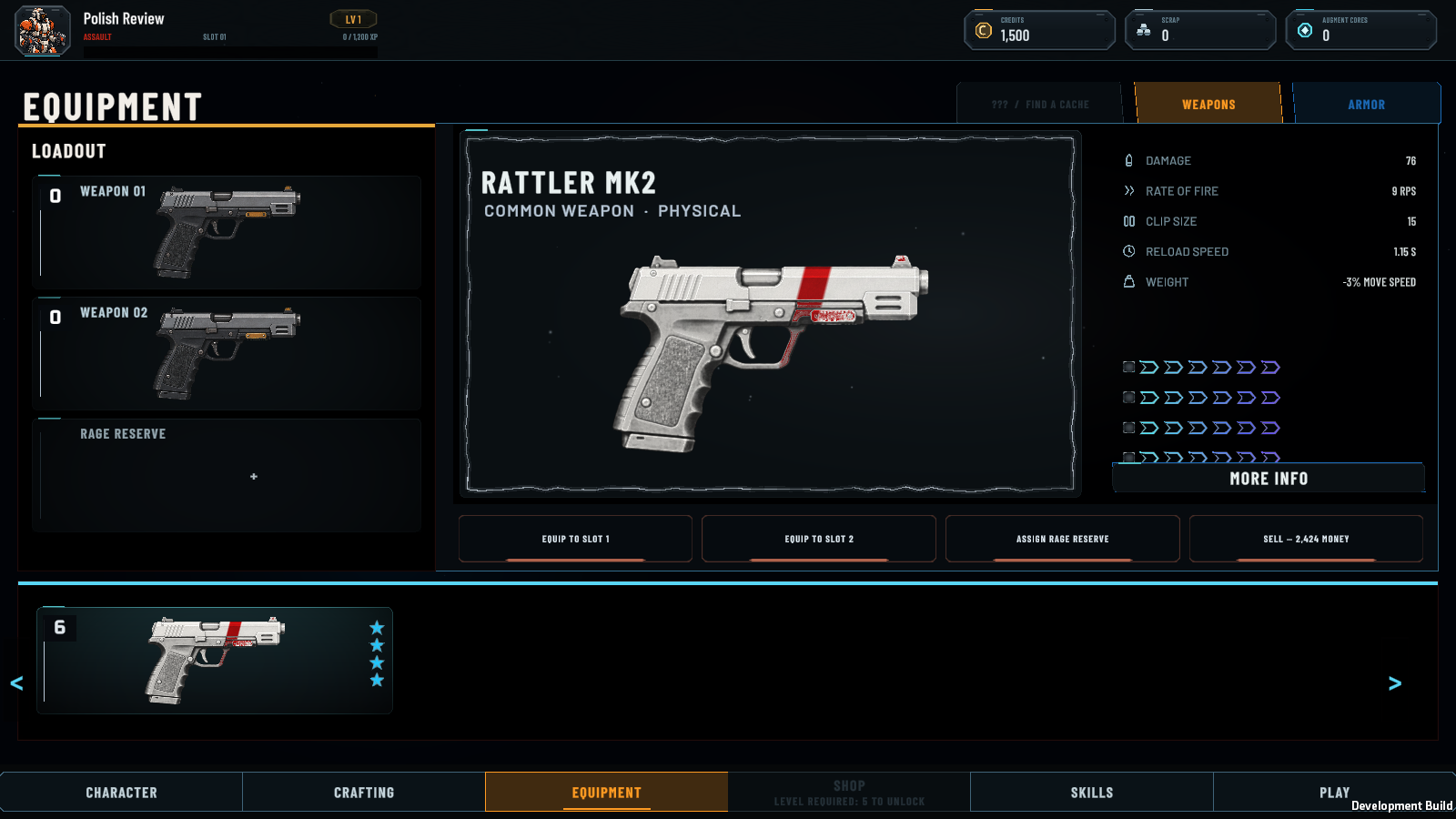
The tactical map and menus now use red accents on charcoal. The equipment inspector also keeps every augment inside its own scrollable area.
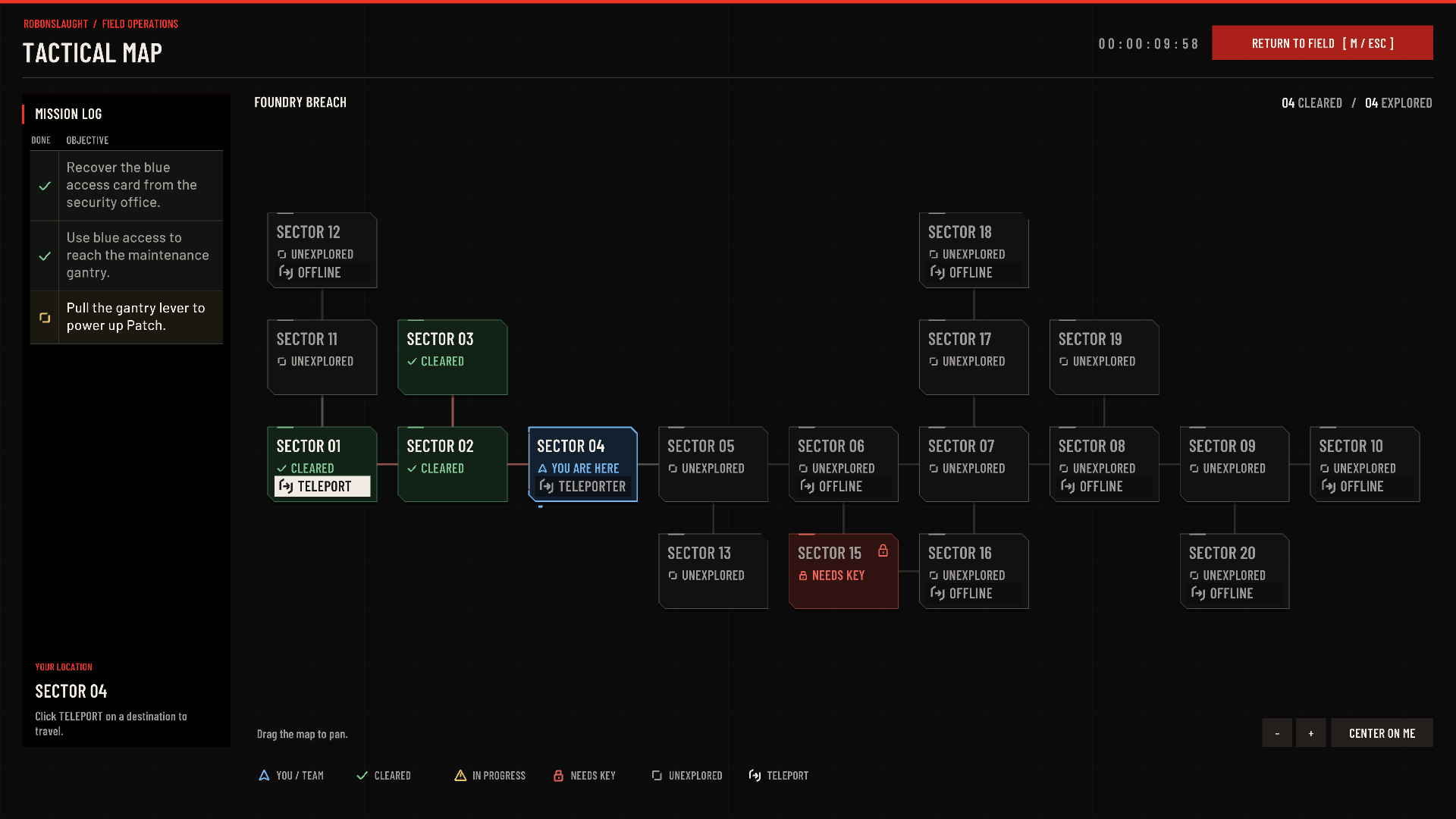
The map keeps mission objectives in a table beside the rooms, oldest first. Completed steps have checkmarks and dimmed text. Faint green marks cleared rooms, yellow means a fight is still in progress, blue shows you or a teammate in a safe room, and red marks a room that needs a key. The key warning stays on that room. Available destinations have a clear TELEPORT action. Drag to pan, use the zoom controls, or center the map on your location.
Four installed augments now scroll above the More Info button, with the last slot still available to select. Switching weapons returns the list to the top. Menu selection and action accents are red; item rarity, class identity and augment-level colors keep their existing meanings.
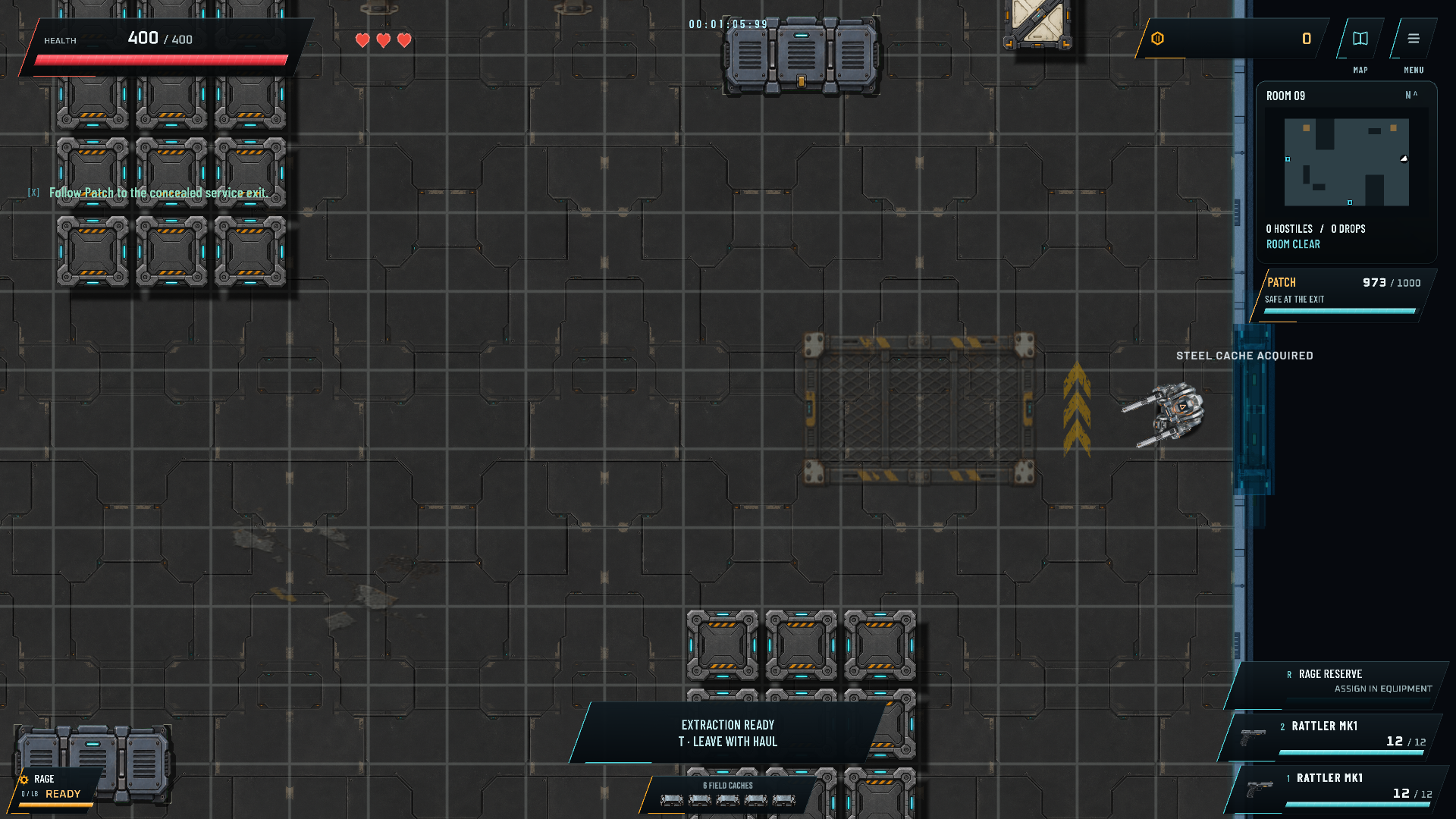
These September 23 screenshots come from the local Unity development build with prepared test characters. The interface was checked at 1920 by 1080, 1280 by 720 and 1024 by 768. They show work in development, rather than a public release.